How it works
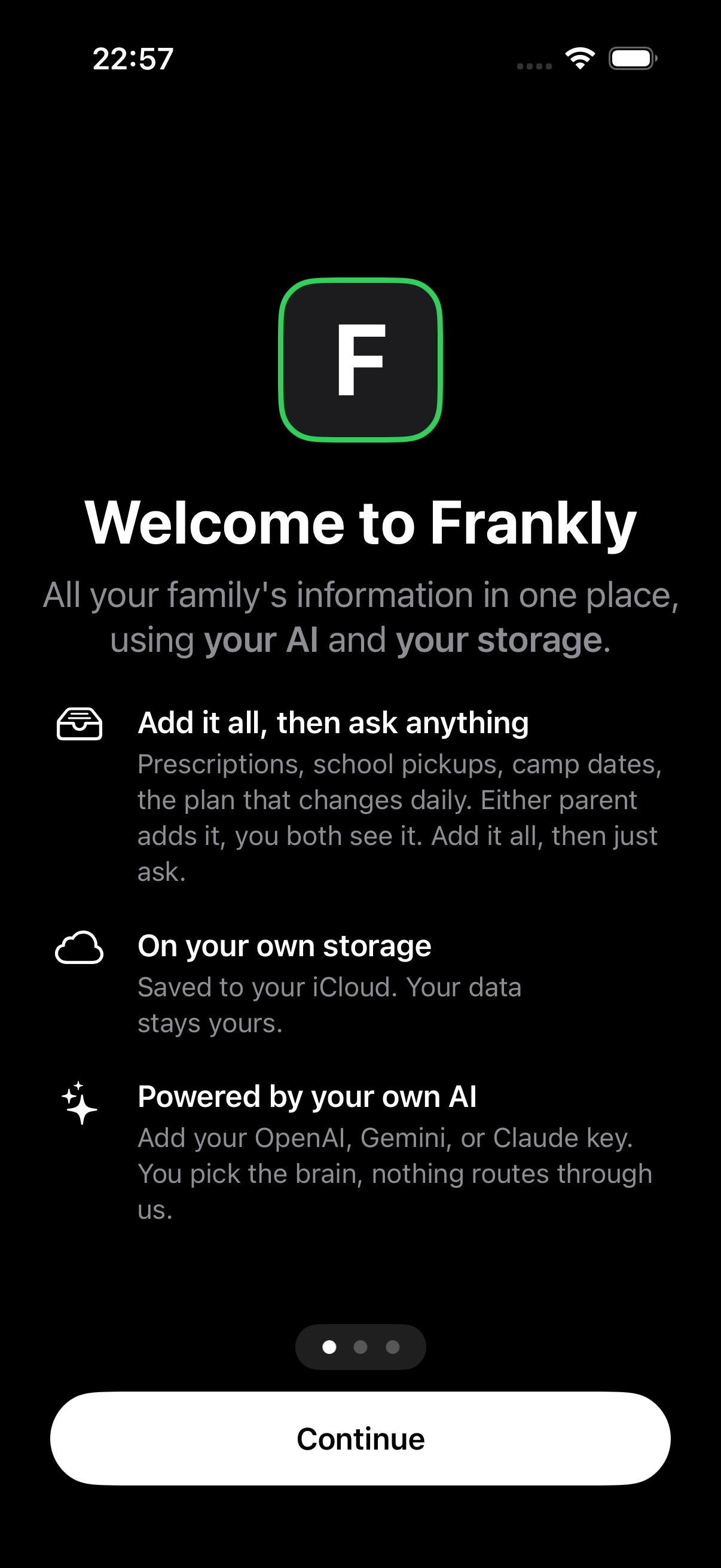
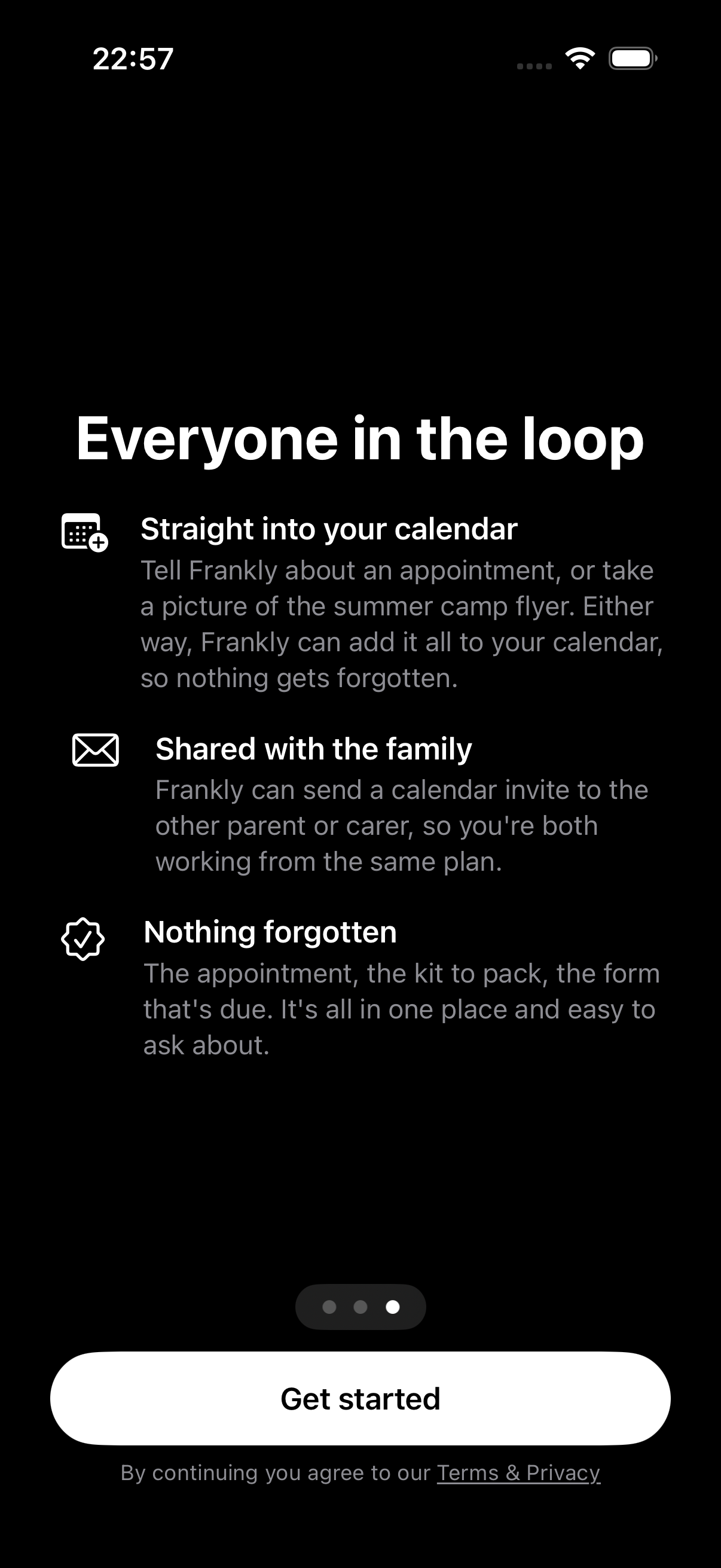
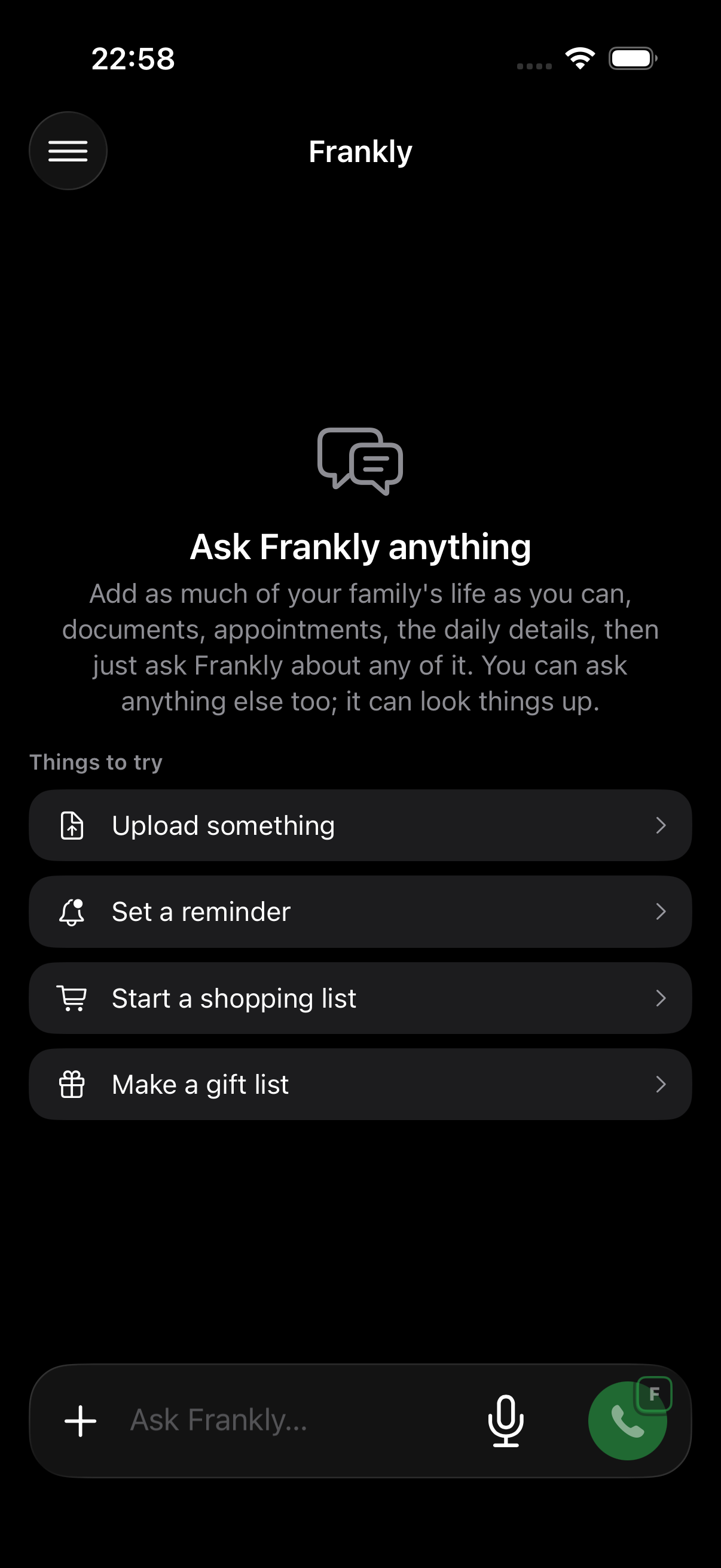
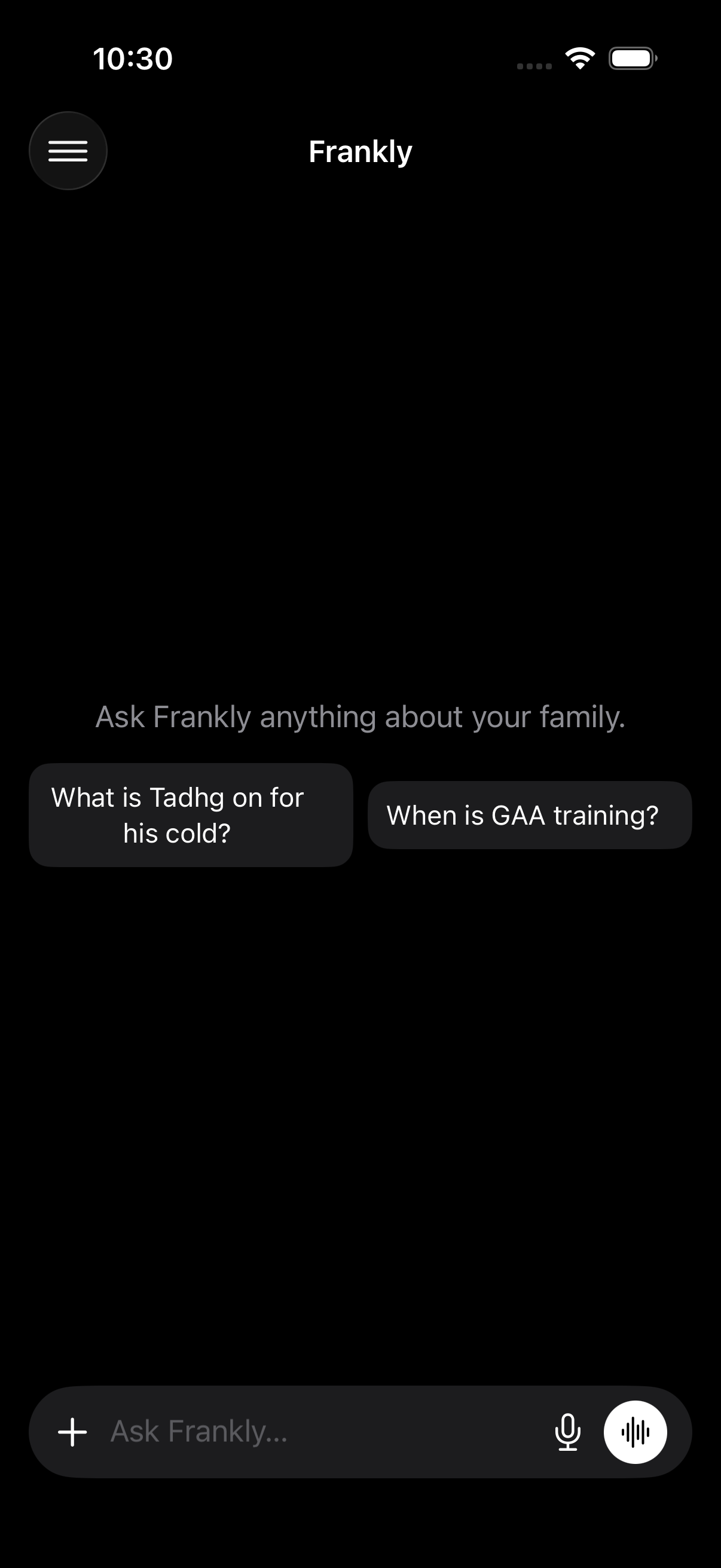
Prescriptions, school pickups, camp dates, the plan that changes daily. Add it all, then just ask. Frankly keeps it in your own iCloud and runs on your own AI key, nothing routes through us.
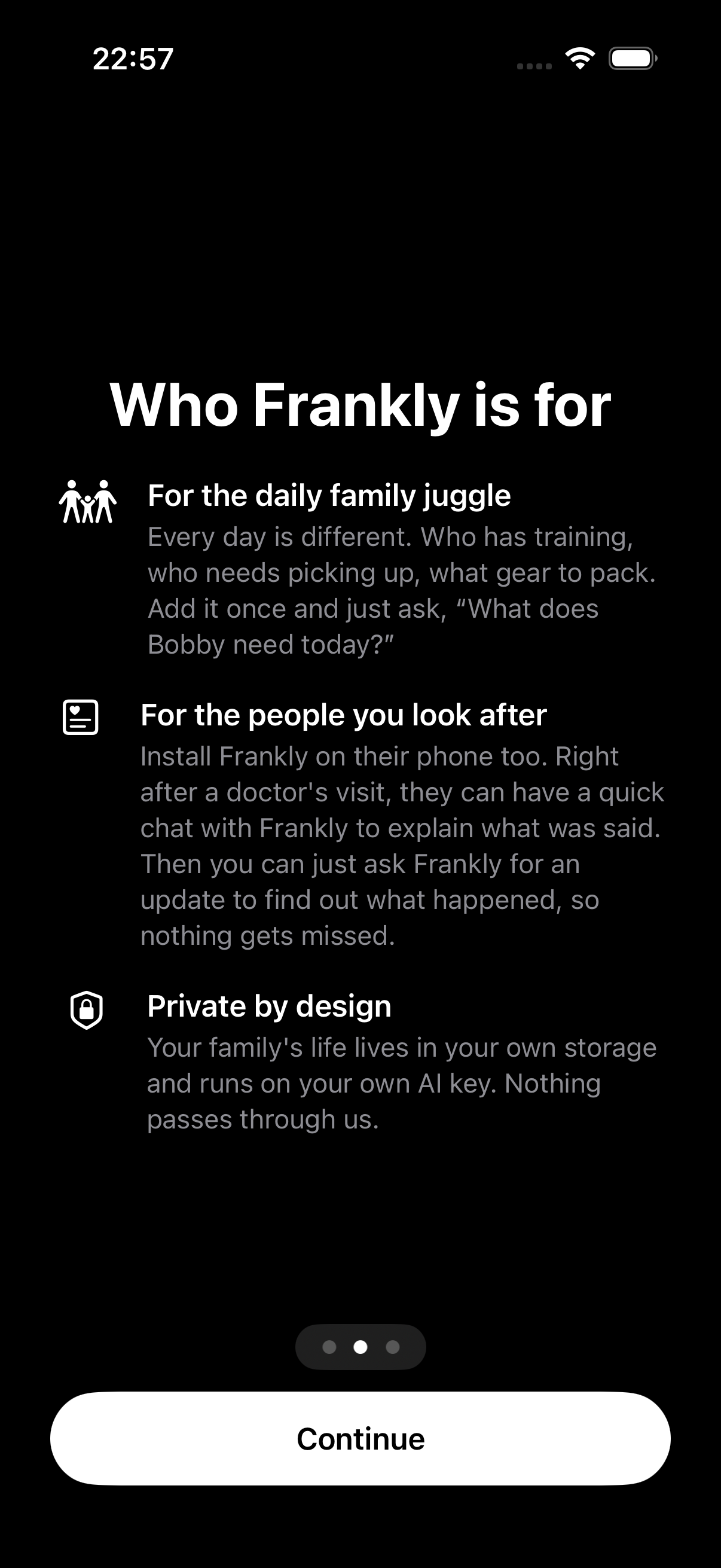
Every day is different. Who has training, who needs picking up, what gear to pack. Add it once and just ask, and get a short overview every morning.
Keep an older parent's appointments, prescriptions and history in one place. In a clinic, just let the doctor speak with Frankly directly, it answers their questions accurately, in your parent's own words.
Your family's life lives in your own storage and runs on your own AI key. Your family's data never passes through our servers.
Frankly is the link between your own AI and your own iCloud. Your records stay in your iCloud, and every answer comes from your own OpenAI, Gemini or Claude key. Your family's content is never ours to see. The only thing Frankly collects is anonymous usage data (which features are used, and whether errors happen), so we can make it better.
Frankly runs on your own AI account, and it stays on your phone. Three quick steps, once for the whole family.
OpenAI, Google Gemini or Anthropic Claude. Any one works.
Paste the key into Frankly once. That is it. Your key never leaves your phone.
If you know Declan, install Apple's TestFlight app so he can send you a link to the test version.
Right now we're building Frankly for iPhone only. If you'd like an Android version, tell us a little about your phone and we'll keep you posted, enough interest and we'll build it.